Orders at a glance
An order is a managed movement of items between places — or in/out of the organisation — with an allocate leg, a receive leg, or both. Orders give the system a declared intent before items physically move, so every state change is auditable and reversible up to the point of completion.
Order types
The portal lets you create four types of order:
| Type | Legs | Use when |
|---|---|---|
| Inbound | Receive only | Goods arriving from outside — no allocation needed |
| Outbound | Allocate only | Goods leaving the organisation |
| Transfer | Allocate + Receive | Moving items from one place to another within the organisation |
| Loan | Allocate + Receive (with loan tracking) | Items go OnLoan to a person or external party and come back Returned |
Order states
An order moves through these states in sequence:
| State | Meaning |
|---|---|
| Open | Created; items not yet allocated |
| Allocating | Allocation is in progress |
| Allocated | All required items have been picked |
| Dispatched | Items have left the source place |
| Receiving | Receipt is in progress at the destination |
| Received | All items received |
| Completed | Order is closed; items returned to the free pool |
| Cancelled | Stopped from any non-terminal state; items released back |
Completed and Cancelled are the two final states — no further transitions are possible. An order can be cancelled from any state that is not already Completed or Cancelled.
There is also a separate Order Status (Ready / Processing / Errored) that reflects background processing health rather than lifecycle position — you may see it alongside the state badge on an order row.
How orders move items
Orders drive item states automatically:
- Allocating the order moves eligible items from Present → Allocated.
- Dispatching moves them from Allocated → Dispatched.
- Receiving moves them to Received at the destination place.
- Completing returns them to the free pool as Present at the new location.
See Items & item states for the full item state table and transition rules.
The Orders list
The Orders list is at Orders in the sidebar. It defaults to the newest order first.
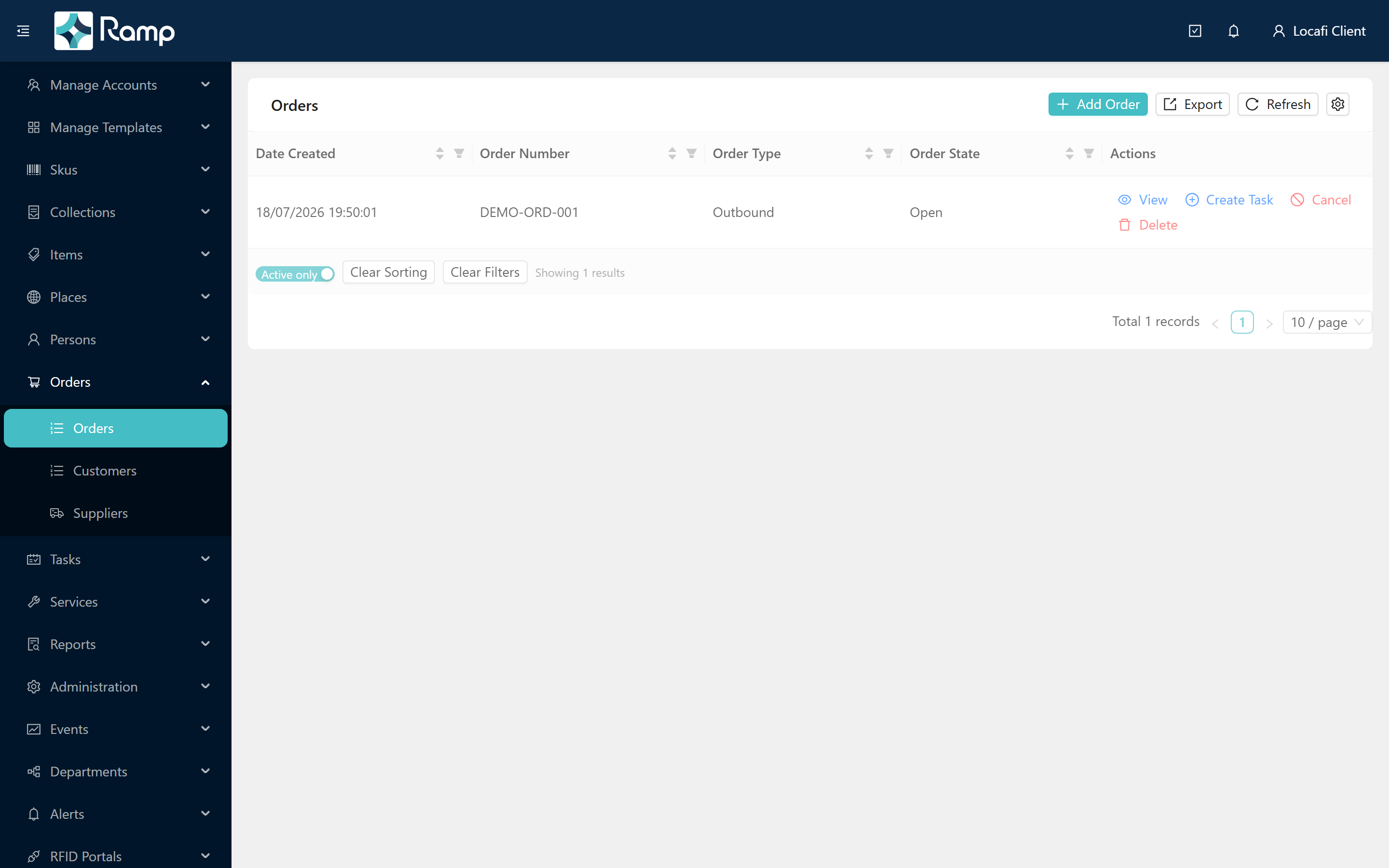
By default, Completed and Cancelled orders are hidden. The table footer has an Active only toggle that defaults to on. Switch it to All orders to include Completed and Cancelled history:

For tips on filtering, sorting, and exporting list pages, see Working with lists.
Full order guides
Step-by-step guides for creating orders, allocating, dispatching, receiving, and using manual fulfillment are coming. See the Orders roadmap page for what is planned.
For the order lifecycle and state-transition REST API reference, see the Loca.fi API documentation.