Welcome to the Loca.fi portal
The Loca.fi portal is your web-based control centre for RFID inventory and asset tracking. Use it to monitor stock levels, manage locations and items, run reports, and configure the system — all in one place.
The portal layout
After signing in you land on the Dashboard. The portal shell — header, sidebar, and content area — stays in view on every page.
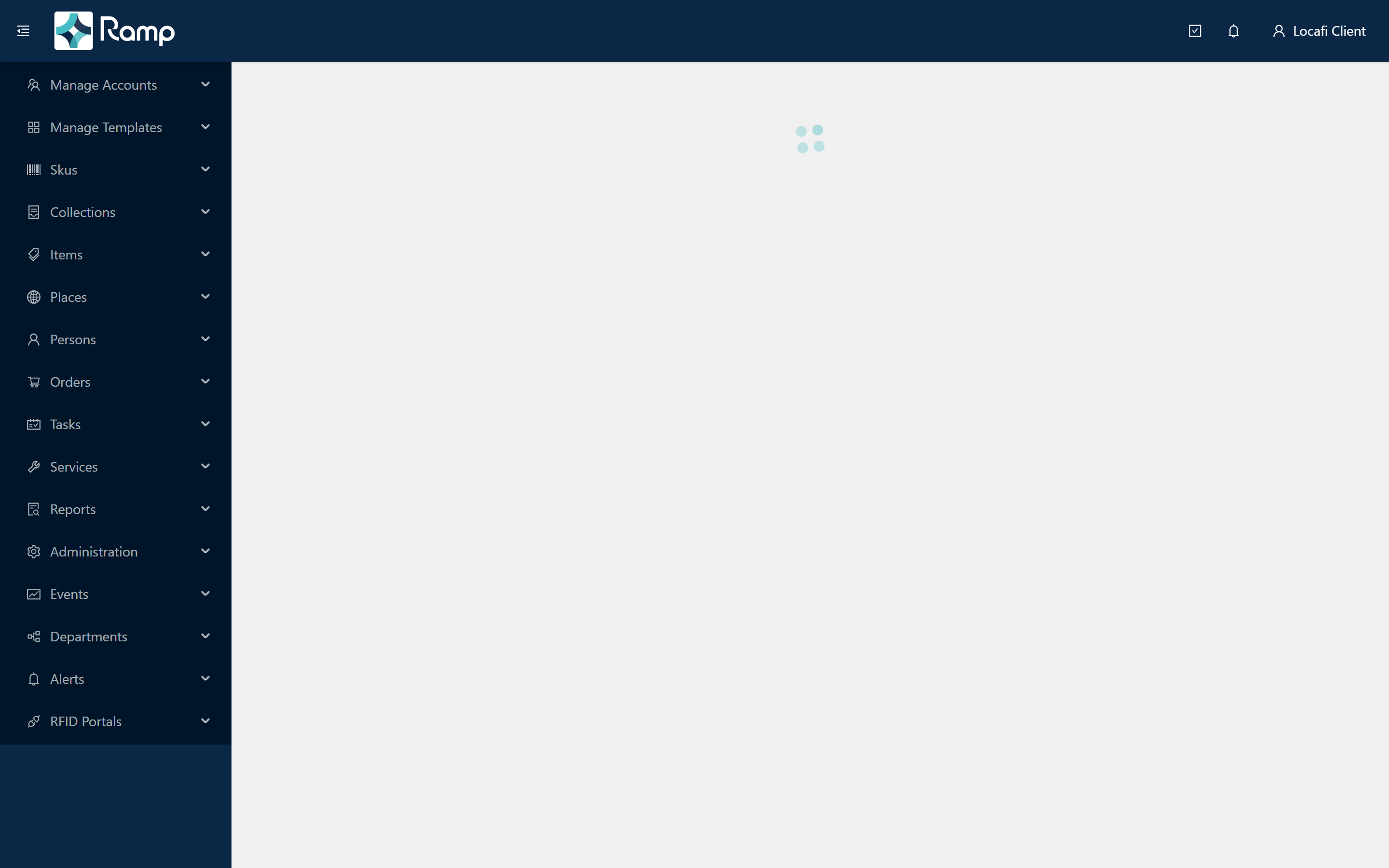
The shell has three areas:
- Header — the dark blue bar across the top of every page.
- Sidebar — the collapsible navigation panel on the left.
- Content area — the main white area to the right of the sidebar, where pages load.
The header
The header gives you quick access to the controls you use most often.

| Position | Control | What it does |
|---|---|---|
| Left | Menu button | Collapses or expands the sidebar |
| Left | Ramp logo | Returns you to the Dashboard from any page |
| Right | Tasks button | Opens the Tasks list |
| Right | Notifications bell | Opens the Dashboard |
| Right | Your name | Opens the user menu |
The user menu
Click your name in the top-right corner to open the user menu.

| Option | What it does |
|---|---|
| Profile | View and update your display name and contact details |
| Change Password | Update your sign-in password |
| Logout | End your session and return to the login page |
The sidebar
The sidebar organises every feature into collapsible groups. Click a group name to expand it and reveal its pages; click a page name to navigate there.
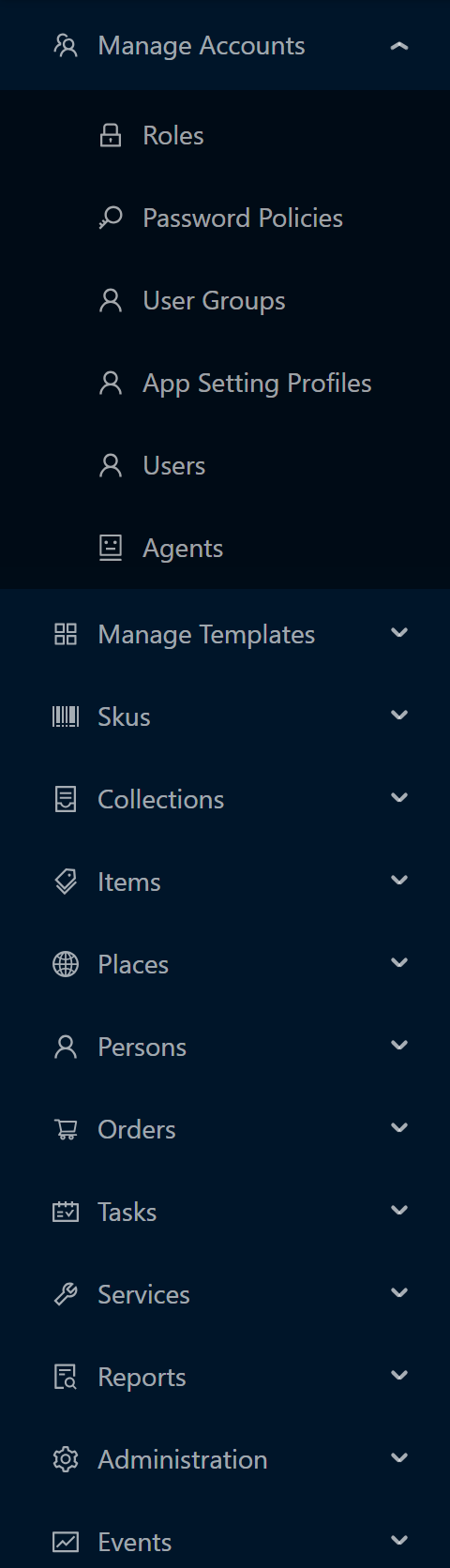
Your organisation's configuration controls which groups and pages are visible.
| Group | What you do here |
|---|---|
| Manage Accounts | Create and manage users, roles, password policies, and agents |
| Manage Templates | Define item templates and extended properties |
| Skus | Manage SKUs and SKU properties |
| Collections | Work with grouped collections of items |
| Items | Track, search, and review the movement history of items |
| Places | Manage physical locations and their hierarchy |
| Persons | Manage person records associated with items |
| Orders | Create and fulfil stock orders |
| Tasks | Schedule and track recurring tasks |
| Services | Define service types and record service activity |
| Reports | Run custom reports and scheduled report jobs |
| Administration | Configure the system, manage notification groups, and review audit logs |
| Events | Define event types and browse event records |
| Departments | Manage the department hierarchy |
| Alerts | Set up and review RFID alerts |
| RFID Portals | Configure and monitor RFID portal devices |
What to read next
This manual walks you through everything from first login to advanced reporting: Getting Started (you are here), Managing Users, Core Concepts, Setup Guides, Importing Data, and Reports.
Continue reading in this order:
- Logging in — sign in, recover a forgotten password, and handle a locked account.
- Your profile — update your display name and change your password once signed in.
- Working with lists — sort, filter, and export the data tables used throughout the portal.